Introduction to TradingView and Its Core Features
In the ever-evolving world of financial trading, having access to real-time data, advanced charting tools, and customizable alerts is crucial for both novice and professional traders. TradingView stands out as a highly versatile platform that caters to the needs of diverse markets and asset classes. With its user-friendly interface and robust features, TradingView empowers traders to analyze market trends, make informed decisions, and execute strategies efficiently. In this article, we will explore TradingView's key features, its benefits for different user profiles, and how it can enhance your trading experience in 2026.
What is TradingView and Who Can Benefit?
TradingView is a comprehensive financial platform that provides users with access to a wide array of market data, professional-grade charting capabilities, and customizable alert systems. Whether you are a day trader, swing trader, or long-term investor, TradingView offers tools tailored to your trading style. The platform is not only suitable for seasoned traders seeking advanced features but also welcomes beginners who can benefit from its educational resources and intuitive design. Ultimately, anyone involved in trading—ranging from casual stock enthusiasts to institutional investors—can leverage TradingView to gain a competitive edge in their market analysis.
Key Features of TradingView Explained
- Real-Time Market Data: Access up-to-date information on stocks, Forex, cryptocurrencies, and more.
- Advanced Charting Tools: Utilize an array of technical indicators, drawing tools, and customizable layouts for comprehensive market analysis.
- Alert Systems: Set up price alerts and condition-based notifications to stay informed about market movements without constant monitoring.
- Social Trading Community: Engage with other traders, share ideas, and access a wealth of user-generated content and analyses.
The Importance of Professional Charting Tools
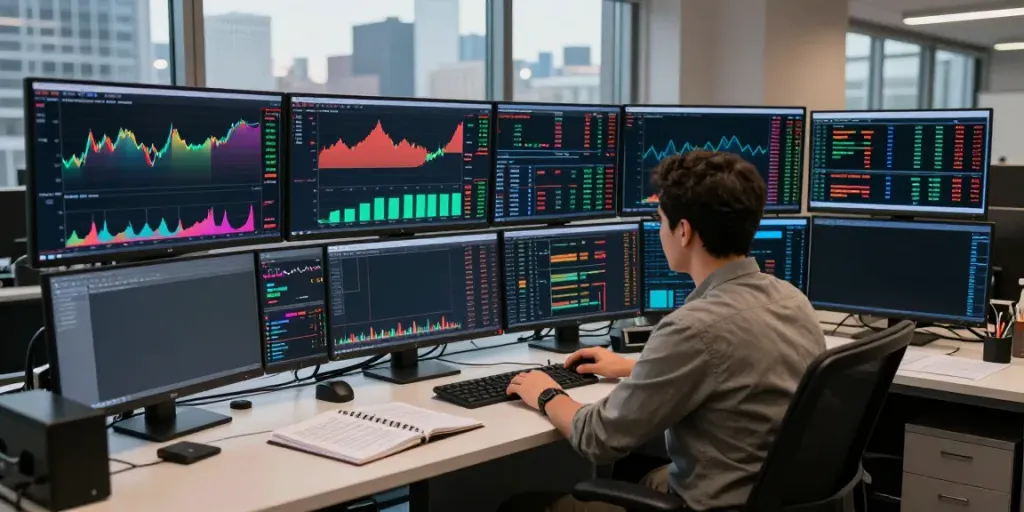
In trading, the ability to analyze charts effectively can be the difference between success and failure. TradingView's professional charting tools allow users to switch between various time frames, overlay different indicators, and employ drawing tools for technical analysis. This depth of analysis is crucial for identifying patterns, trends, and potential trading opportunities in real time. The platform also supports multi-chart layouts, enabling users to monitor multiple assets simultaneously, which is especially beneficial for day traders and active investors.
Setting Up Your TradingView Workspace
Creating an Account and Choosing the Right Plan
Getting started with TradingView is straightforward. Create a free account to explore the platform's basic features, and upgrade to a paid plan as your trading needs evolve. TradingView offers tiered subscription options, each providing varying levels of data access, additional features, and removal of ads. It's advisable for users to assess their trading frequency and needs when choosing a plan, ensuring they select the features that will be most beneficial for their trading style.
Customizing Your Trading Interface
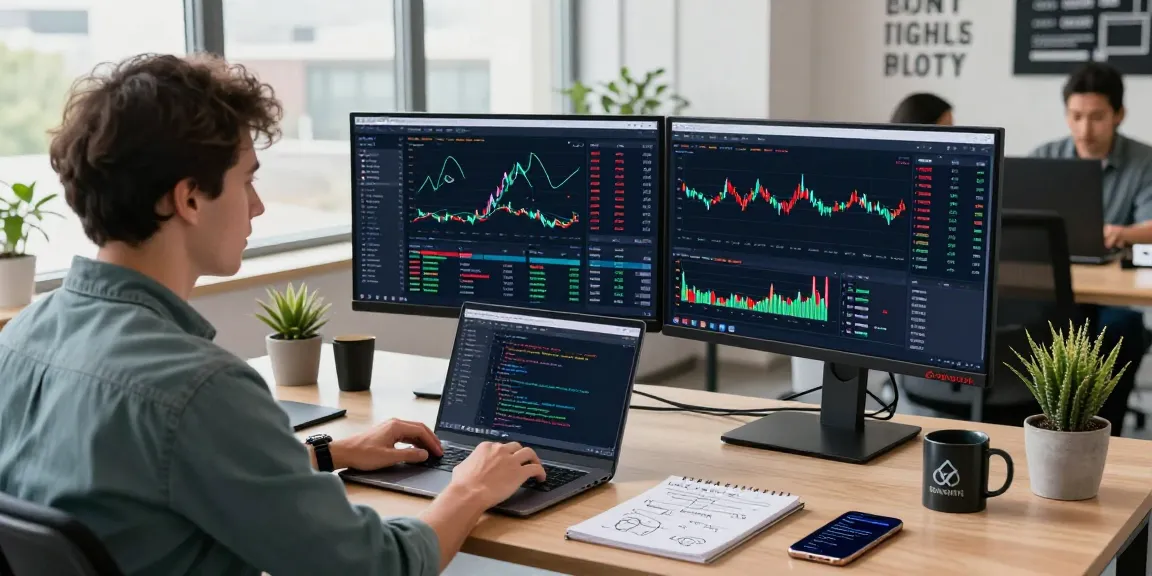
One of the standout features of TradingView is its highly customizable interface. Users can tailor their experience by rearranging charts, indicators, and tools to best suit their workflow. Through intuitive drag-and-drop functionality, traders can streamline their workspace, allowing for quick access to the tools they use most frequently. The ability to save multiple layouts also enables users to switch between different trading strategies or asset classes seamlessly.
Integrating Multiple Devices for Seamless Access
With TradingView, users can access their accounts from various devices including desktops, tablets, and smartphones. This cross-device compatibility ensures that traders can monitor the markets and manage their trades from anywhere. Changes made on one device are automatically synchronized across all platforms, allowing for a seamless trading experience. This flexibility is crucial for those who travel frequently or prefer to trade on the go.
Utilizing TradingView's Advanced Charting Tools
Understanding Time Frames and Indicators
Effective trading requires a solid understanding of various time frames and the indicators that can be applied to them. TradingView supports a wide range of time intervals, from one-minute charts to monthly views, enabling users to analyze both short-term and long-term trends. Additionally, the platform offers a plethora of technical indicators—from moving averages to oscillators—allowing traders to refine their strategies based on comprehensive data analysis.
Using Drawing Tools for Technical Analysis
Technical analysis is greatly enhanced by the use of drawing tools, which TradingView provides in abundance. Users can annotate charts with trend lines, resistance and support levels, and various geometric shapes to visually represent market behavior. This visual representation aids in making informed decisions about entry and exit points, thus improving the overall trading strategy.
Creating Custom Indicators and Scripts
For the more technically inclined, TradingView enables users to develop their own custom indicators and scripts using Pine Script, TradingView's proprietary programming language. This feature allows traders to create unique trading strategies and automate analysis, giving them a significant edge in the marketplace. Sharing custom scripts also fosters community engagement, as users can benefit from each other's innovations and insights.
Effective Alert Systems within TradingView
Setting Up Price Alerts and Conditions
One of the most valuable features of TradingView is its alert system, which helps traders stay informed about critical market movements without the need for constant monitoring. Users can set price alerts that trigger notifications when an asset reaches a specified price or meets technical conditions. This capability is crucial for executing strategies in real time and capitalizing on opportunities as they arise.
Leveraging TradingView for Market Insights
Beyond monitoring prices, TradingView allows users to leverage market insights by accessing community-driven analyses and expert opinions. The platform hosts a vibrant community where traders share their predictions, strategies, and opinions on various market conditions. Engaging with this community can provide additional perspectives and enhance one’s trading decisions, especially for those new to the market.
Comparing Alerts vs. Watching Market Trends
While you may be tempted to rely solely on price alerts, it's essential to maintain an eye on broader market trends as well. Alerts can notify you of specific price actions, but understanding the context of those actions within the overall market environment is equally important. Combining alert systems with ongoing analysis enables traders to make more informed decisions, capitalizing on both immediate opportunities and broader trends.
Maximizing Your Trading Strategies with TradingView
Case Studies of Successful Users
Many successful traders credit their progress to the tools provided by TradingView. For instance, a day trader might utilize multi-chart setups to analyze market movements in real-time while simultaneously setting alerts for price thresholds. By integrating technical analysis with community insights, they can refine their strategies and develop a more comprehensive trading approach. These case studies highlight the versatility and effectiveness of TradingView as a trading platform.
Best Practices for Trading with TradingView
To maximize the benefits of TradingView, traders should adopt several best practices:
- Stay Updated: Regularly check for new features and updates that the platform introduces, as technology in trading is continuously evolving.
- Engage with the Community: Participate in forums and discussions to learn from other traders and share your experiences.
- Utilize Tutorials: Take advantage of the educational resources available, including webinars and tutorials, to improve your skills and knowledge.
Future Trends in Trading Platforms and Tools for 2026
As we look ahead to 2026, trends in trading platforms will likely continue to evolve, with artificial intelligence and machine learning playing increasingly significant roles. Enhanced predictive analytics and automated trading algorithms could become commonplace, further enabling traders to optimize their strategies. TradingView is well-positioned to adapt to these changes, providing users with the latest tools and resources to keep pace with the dynamic financial landscape.
What You Need to Know About TradingView's Subscription Options?
TradingView offers a tiered subscription model, allowing users to select a plan that best fits their needs. While the free version provides essential tools and functionalities, upgrading to a paid plan unlocks more advanced features, including extended data history, more alerts, and improved customer support. Understanding the differences between the plans is vital for users to make the most out of their TradingView experience, ensuring they choose the plan that aligns with their trading goals.